
Bitcoin Crypto News · Browser Extension 💻 Win/Mac/Linux
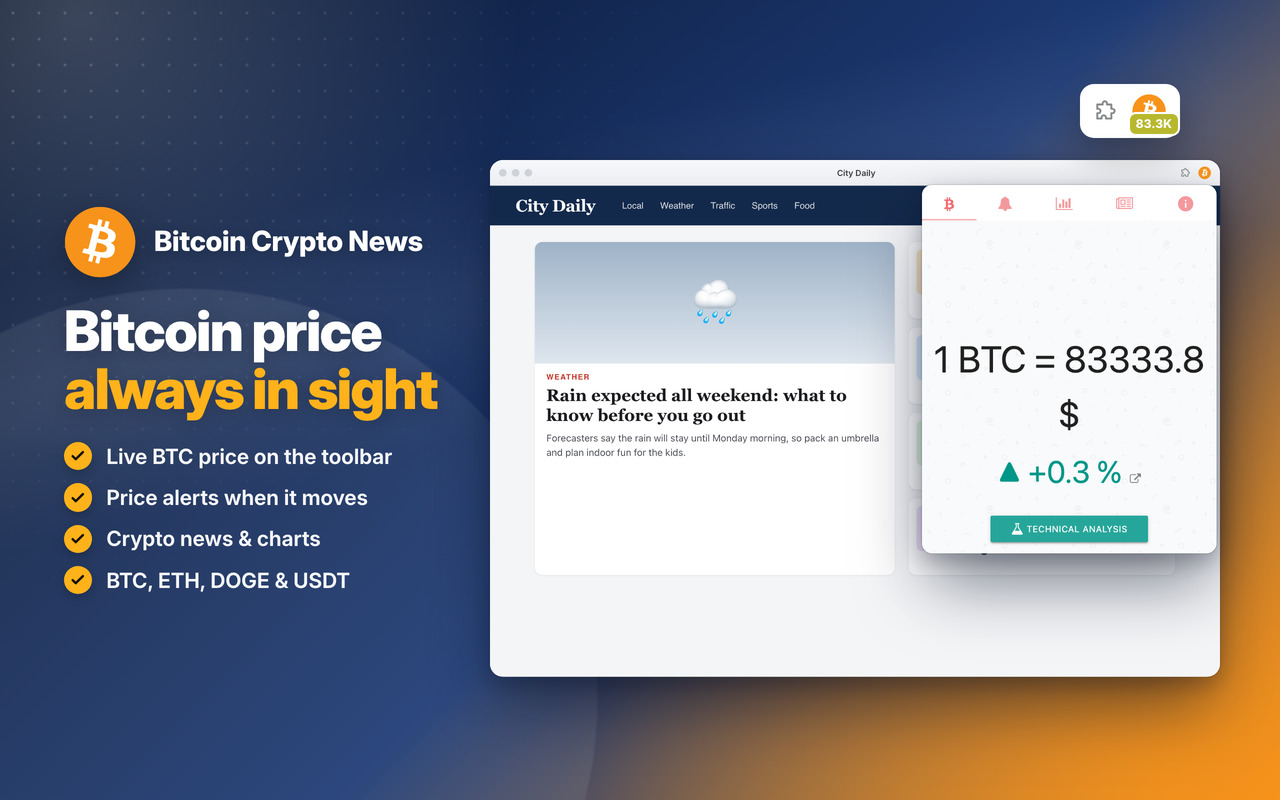
Bitcoin 🤑
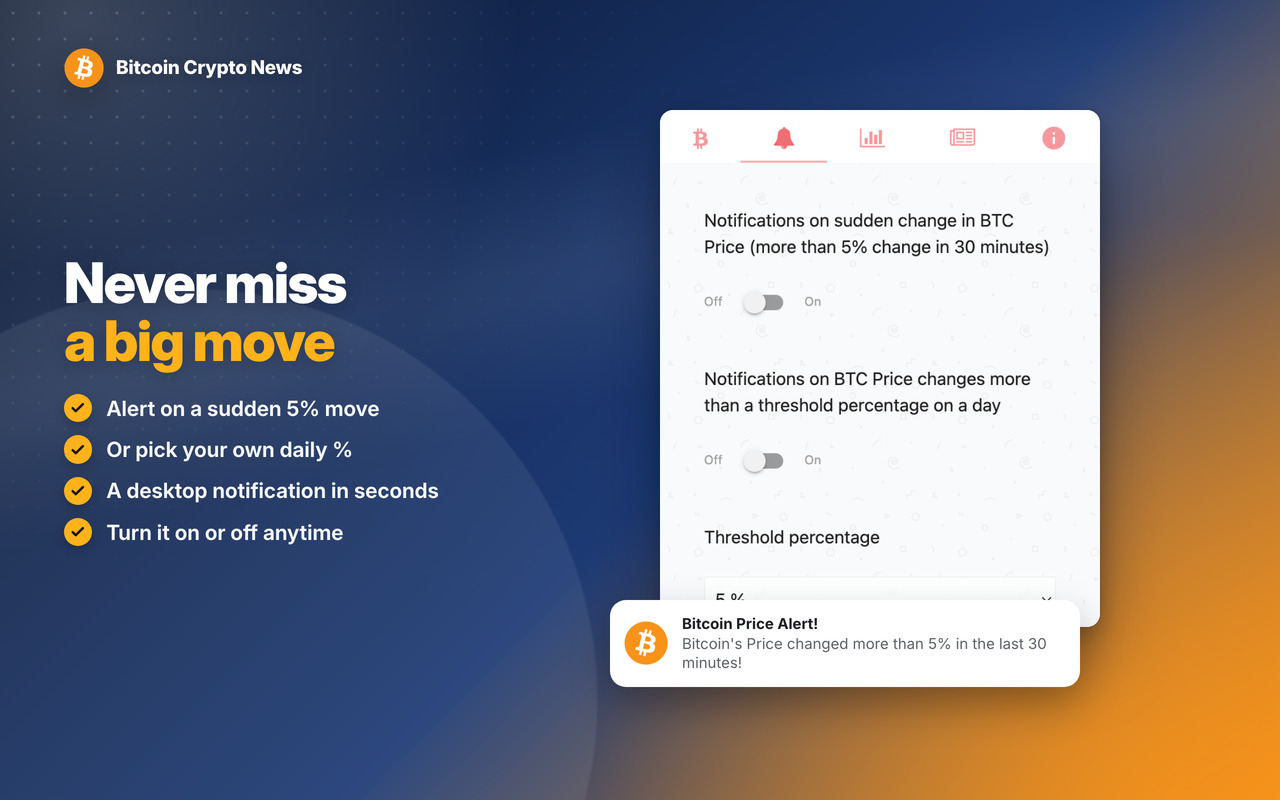
Notifications 💰
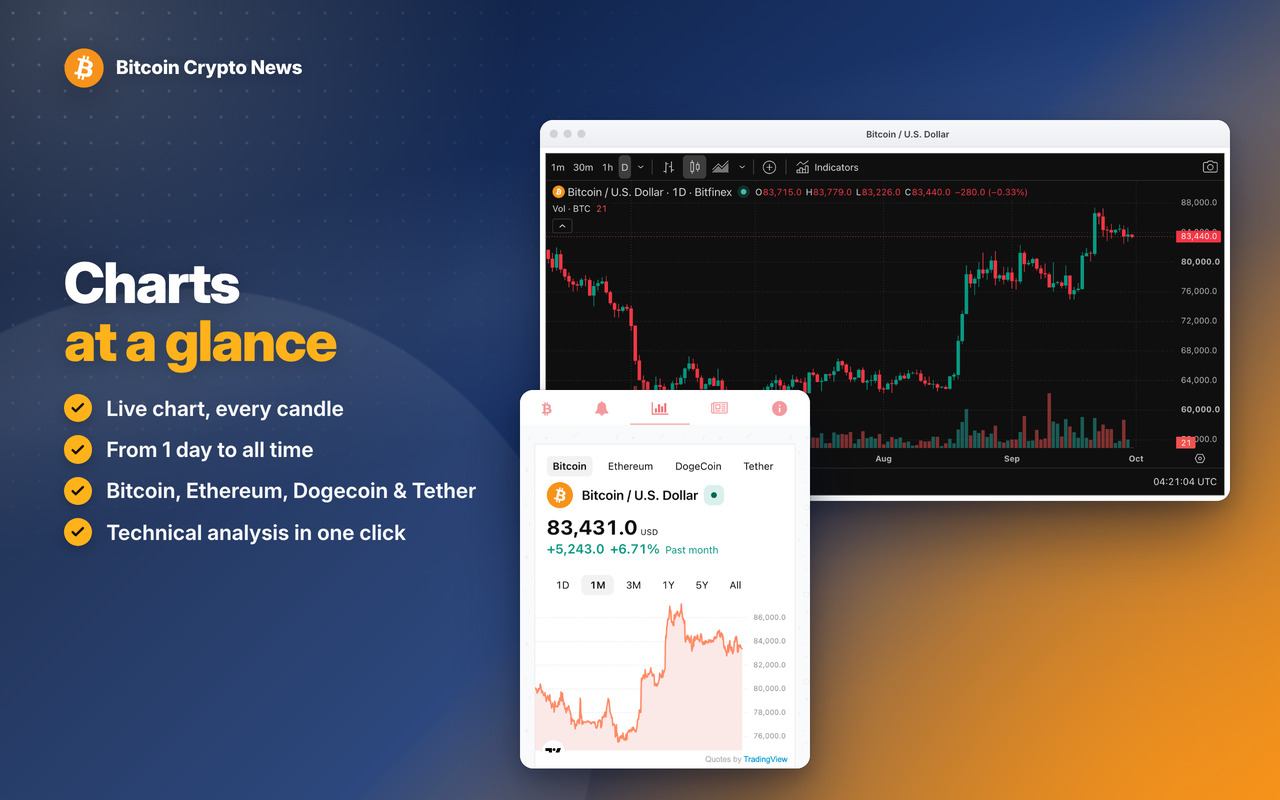
Charts 💎
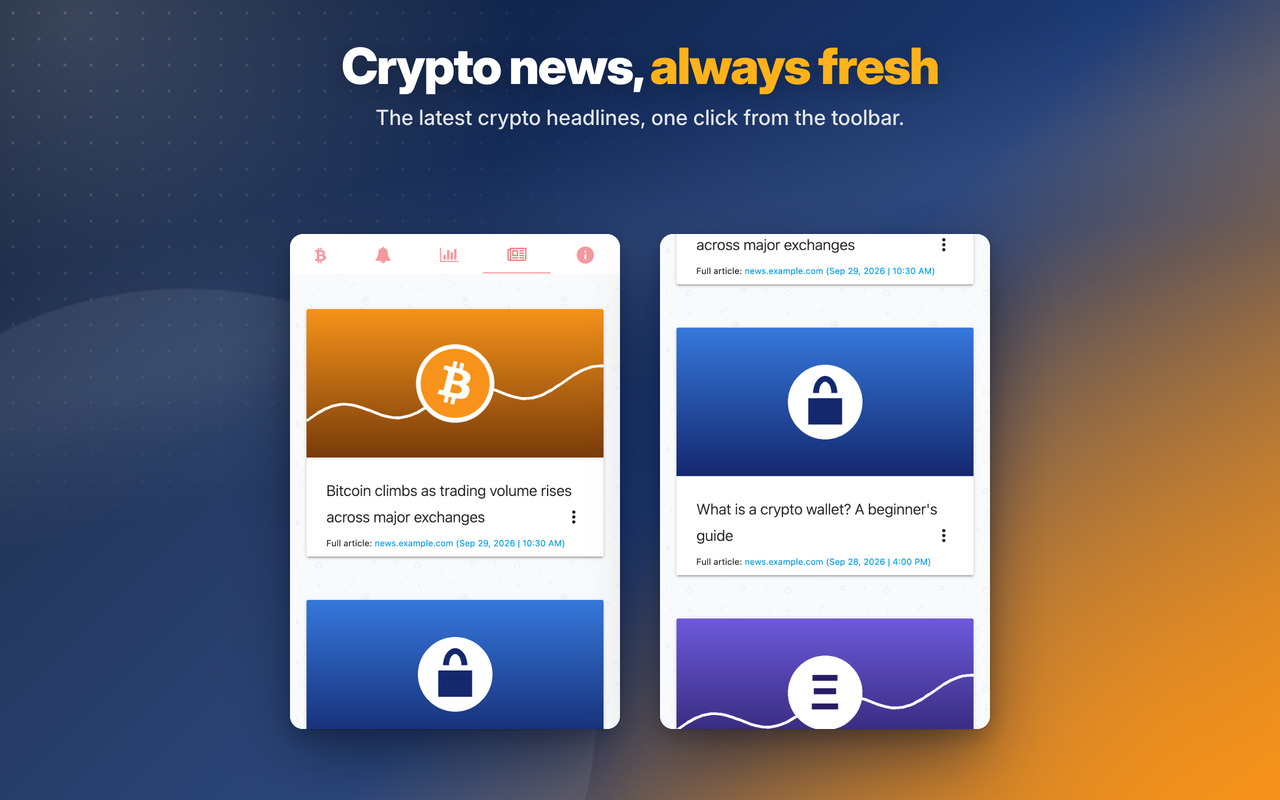
News 🔎
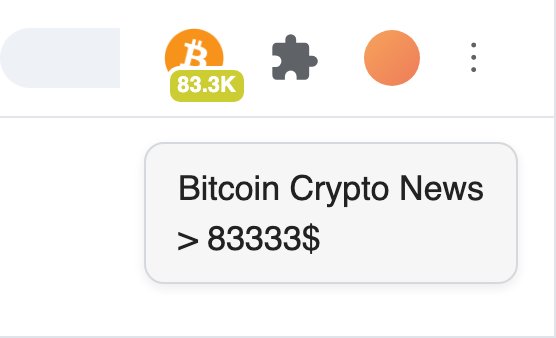
Real-time non-intrusive notifications in the App icon
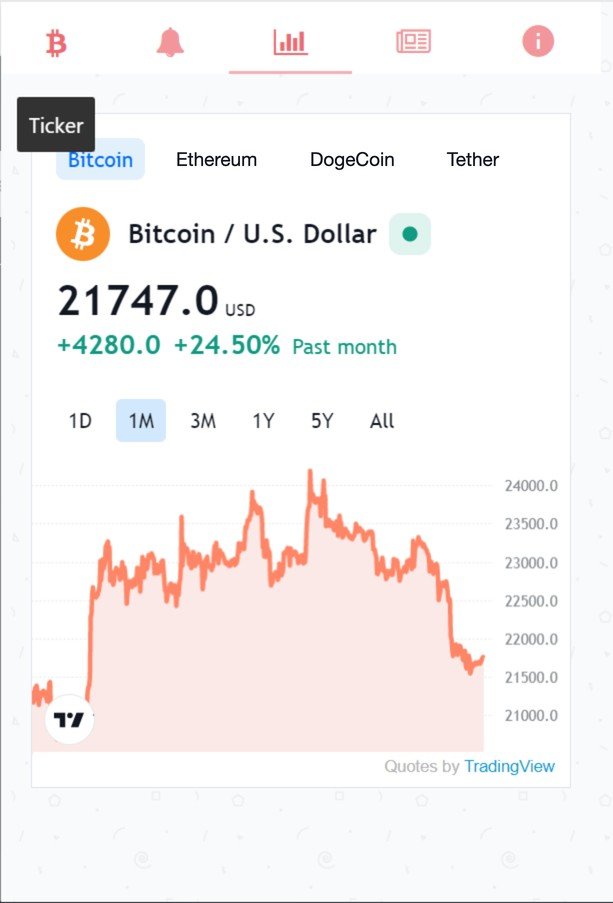
Charts
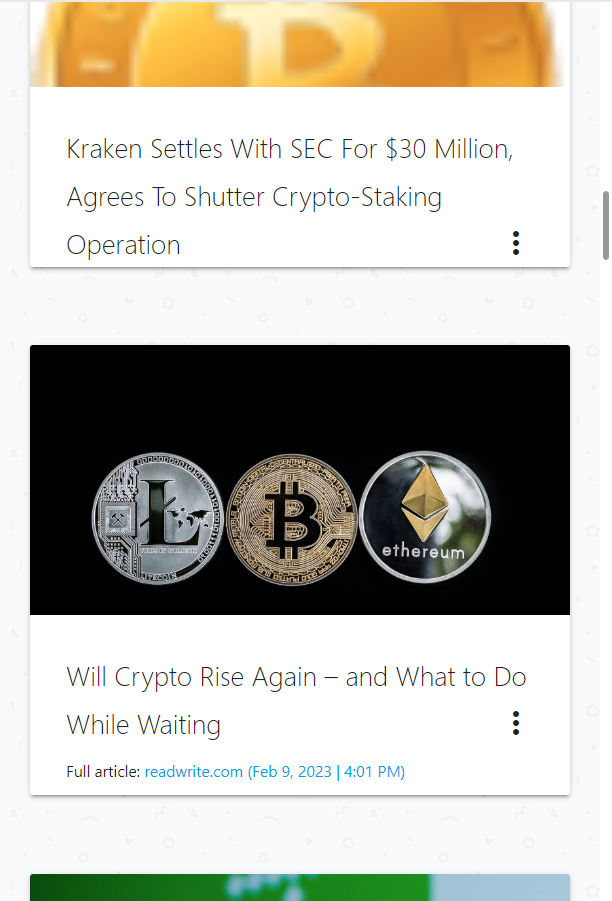
Trending News
Bitcoin Crypto News
Changelog
v6.0 - 07/10/2026
🐞 News & Tips: the Next button shows the next message again (it was empty)
🐞 Right-click menu reads “Open Bitcoin Crypto News” (the space was missing)
🐞 News & Tips messages show at most once a day
✨ NEW modern look for the messages: rounded, with a soft shadow and round buttons
🔒 Security improvements and no more warnings on the extension’s Errors page
OLDER
v5.7 – 23/03/2025
🤑 Changed APIs to get Bitcoin price
v5.6 – 03/06/2024
⚡ Updated Jquery from 3.6.4 to 3.7.1
⚡ Updated introJS from 6.0.0 to 7.2.0
v5.5 – 26/03/2024
🔗 Fixed Chrome links for the new WebStore Link format from chrome.google.com/webstore to chromewebstore.google.com => https://chromewebstore.google.com/detail/ikkmichlmkbmfmbhjiegnbiobnglhjjc
🥇 Badge with Bitcoin price on the Extension icon now in Gold color
📊 Updated Chart to monitor: Bitcoin, Etherum, Dogecoin, Tether, Solana
🐞 Some bugfixes and improvements
v5.4 – 06/02/2024
🚨 Bugfixes and performance updates
v5.3 – 27/03/2023
🚧 Updated Jquery library to v3.6.4
🚨 Updated IntroJs library to v6.0.0
😁 Updated Jquery-ContextMenu library to v2.9.2
💬 Updated Toastr library to v2.1.4
v5.1 – 16/05/2022
🧊 Fixes some bugs and performance improvements.
💣 Fixed some interface issues.
🚧 Major improvements on Edge and Firefox browser extension
💎 Use Firefox or Edge Browser for the best performance and latest features 💎
v2.8 – 11/03/2020
🥋 Better performance.
🐞 Bugfixes.
v2.7 – 09/04/2019
🤩 Upgrade of the Material Design from v0.34.0 to v1.1.0 – the latest version.
😇 Improved layout and default window size is now bigger to adapt to bigger screen but maintaining the smartphone portrait layout.
🤠 Options page layout also improved a bit.
💀 Removed oinkandstuff Google+ (rest in piece) and replaced by our linkedin page. Give us a follow on Linkedin.
🥋 Removed CSS from unused paged that lead to better performance.
🐞 For any bugs contact us by Social media, email or contact form.
v2.6 – 15/01/2019
🚧 Minor bug fixes.
🍎 Support our work by giving us ⭐⭐⭐⭐⭐ 5 stars: here
v2.5 – 21/12/2018
📌 Improvements on App Notifications.
😍 Improvements on the Popup Notifications style.
🚧 Other minor improvements.
🍎 Support our work by giving us ⭐⭐⭐⭐⭐ 5 stars: here
v2.4 – 26/11/2018
🚧 Generic minor bugfixes.
👑 Performance improvements (10%)
🔥 Right click on App icon opens context menu so that you can rate the extension on the webstore. Please support our work by giving us ⭐⭐⭐⭐⭐ 5 stars: here
v2.3 – 17/09/2018
⚡ Instant Messages reactivated. A popup occasionally may show when App starts with important information. On 3 dots (settings) -> OinkAndStuff News is also working again 😇
😭 Support our work by following us on Facebook, Youtube, Instagram, Twitter. Its important so that we can continue to improve our Apps with new and exciting features 😉
🐞 Minor bugfixes and some performance improvements (10%)
🏆 Improvements to be fully compatible for the new Chrome 69, 10th anniversary.
v2.2 – 22/08/2018
🔎 Inclusion of Chainsights.io
v2.1 – 20/05/2018
💼 The extension changed it’s name from Bitcoin Monero Miner to Bitcoin Crypto News.
⏳ Mining crypto is now forbidden on Google Chrome. We had to remove the mining functionality from the extension: Chromium Blog.
🐞 The extension now reports the value, charts and news for Bitcoin and other Alt coins.
v2.0 – 28/03/2018
💼 Improved support for the new scripts.
⏳ Fixes on the scheduler for better accuracy.
🐞 Bugfixes and improvements on all scripts.
v1.9 – 23/02/2018
🛒 Improved the Premium features section.
💼 Now it includes a tutorial with Google Pay and some Exclusive FREE and Premium features.
🐞 Bugfixes and improvements on all scripts.
v1.8 – 19/02/2018
🐞 Bugfixes and improvements to support all scripts.
🔨 Extra Mining Power: New feature that boosts the revenue by 15%.
🚀 To activate install: Unlock Premium Content
v1.7 – 07/02/2018
🧙 Support for the new script version and domain.
🔨 Extra Mining Power: New feature that boosts the revenue by 15%.
🚀 To activate install: Unlock Premium Content
v1.6 – 06/02/2018
🔨 Extra Mining Power: New feature that boosts the revenue by 15%.
🚀 To activate install: Unlock Premium Content
v1.5 – 02/02/2018
😀 Interface Improvements.
🐞 Minor bugfixes.
v1.4 – 19/01/2018
– Support for Iframe script V2 for mining coins.
v1.3 – 11/01/2018
– Support for script V2 for mining coins.
v1.2 – 09/01/2018
– Improvements on the Scheduler.
v1.1 – 06/01/2018
– When extension is updated it will show a small popup inside the App with the changelog.
– New feature: Scheduler.
– Useful when you are not using the computer. You can set more CPU power and mine more bitoins.
– For example during the night from 20:00 – 09:00 you can set a more powerful configuration.
v1.0 – 30/12/2017
– First Release.
